Getting Started
Paste a URL, get ads. This guide walks you through the full pipeline — from website crawl to exported ad creatives — in four steps.
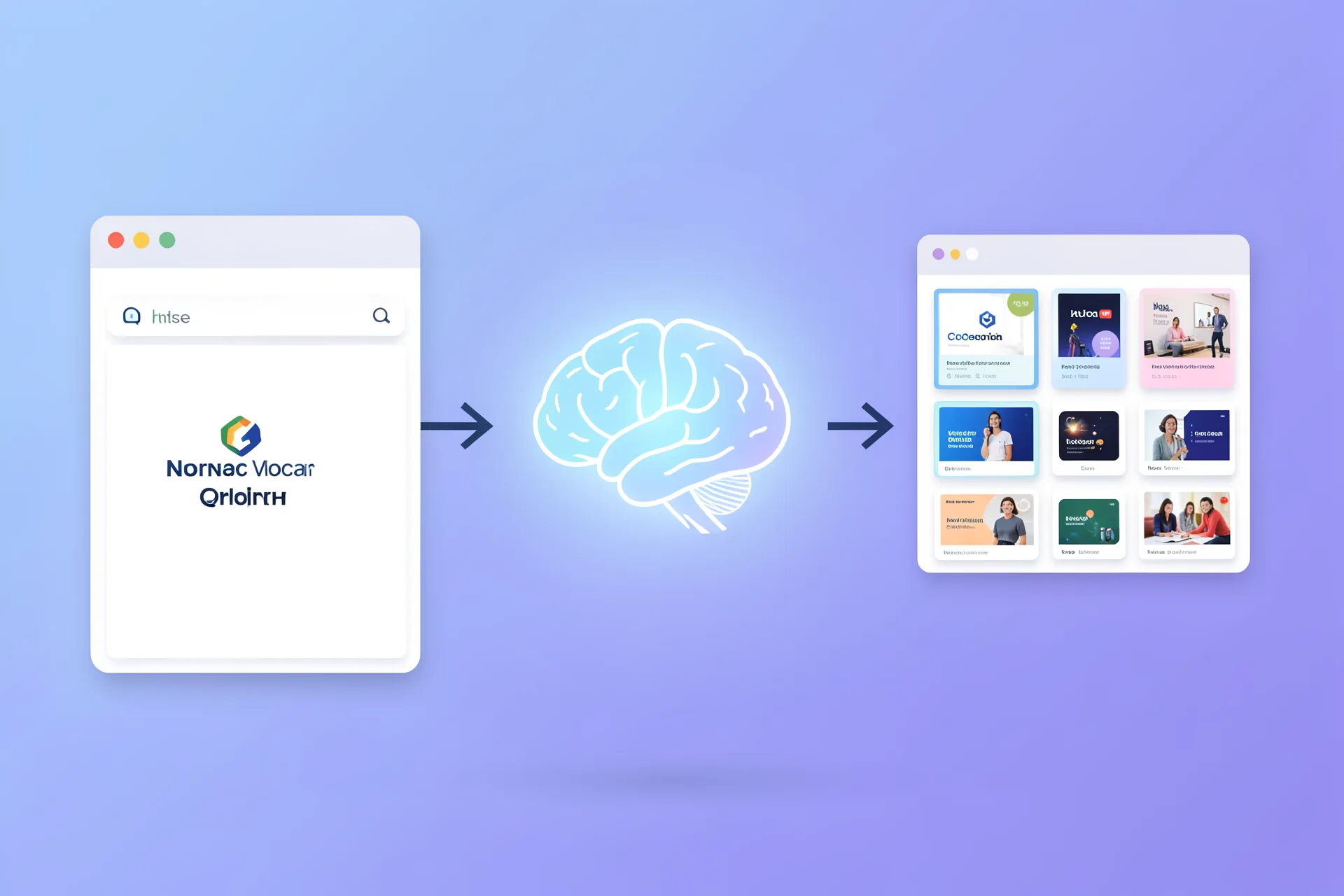
What is AdForge?
AdForge is a brand-to-ad creative engine. It crawls your website, extracts your brand identity (colors, voice, imagery, audience, value props), and generates ready-to-use ad creatives for Meta, Google, TikTok, and LinkedIn. No account needed. Runs in your browser.
The Pipeline
Four steps from URL to exported ad creatives. The first three happen automatically — you only need to review and edit before exporting.
Paste a URL
Drop any website URL into the input bar on the dashboard. AdForge crawls 6-7 pages automatically — homepage, about, pricing, product pages — to build a complete picture of the brand.
The crawler extracts Tailwind colors, hero images, H1 tags, CTAs, testimonials, pricing tiers, and social proof. No API key or login required.
Colors, typography, imagery, headlines, CTAs, testimonials, pricing, trust signals
Review Your Brand Profile
The AI analyzes crawled data and builds a structured brand profile: identity, voice, visual system, audience, value props, and social proof. You can edit any field before generating ads.
Uses Claude Sonnet via OpenRouter for extraction. The profile includes industry classification, tone detection, competitor context, and audience pain points.
Brand name, tagline, tone, personality, color palette, product list, audience segments
Generate Your Campaign
Click Generate to create a full ad campaign. AdForge produces copy across 5 angles (benefit, problem-solution, social proof, urgency, story) for 2 platforms, with 3 tone variations each.
Copy generation uses Claude Haiku for speed. Each combination gets a headline, body, and CTA tailored to the angle, platform, and tone.
30 ad variations: 5 angles x 2 platforms x 3 tones, each with headline + body + CTA
Preview, Edit & Export
Browse your ads in a live preview grid. Click any ad to open the edit drawer — tweak copy, adjust layout, switch images. When you're happy, export as PNG or download the full set as a ZIP.
Ad previews render as real HTML/CSS using your brand colors and typography. Inline editing updates the preview in real time. Export uses canvas rendering for pixel-perfect output.
Live HTML/CSS previews, inline copy editing, PNG export, ZIP download of full campaign
What You Get
Brand Profile
Structured identity with colors, typography, voice, audience segments, value props, and social proof. Editable before generation.
30 Ad Variations
5 angles (benefit, problem-solution, social proof, urgency, story) across 2 platforms and 3 tones. Each with headline, body, and CTA.
Live Previews
Real HTML/CSS ad mockups using your brand colors, fonts, and images. Inline editing with instant visual feedback.
PNG & ZIP Export
Export individual ads as PNG or download your entire campaign as a ZIP. Ready to upload directly to ad platforms.
Tips for better results
Use your main domain. Subdomains and deep links work but the homepage gives the richest extraction.
Sites with testimonials win. Social proof data powers the social proof angle. Without it, that angle will be generic.
Edit the profile first. Fix the brand name, adjust the tone, add missing value props before generating.
Use the tools after. Run your best headlines through the Headline Scorer. Analyze full copy with the Copy Analyzer.
Next Steps
Deepen your knowledge with these guides and tools.
Ad Copy That Converts
Headline formulas, body copy frameworks, CTA patterns.
GuideA/B Testing Your Angles
Structure test packs and read results without fooling yourself.
ReferencePlatform Creative Specs
Dimensions, character limits, and file requirements.
ToolHeadline Scorer
Score headlines instantly with readability and persuasion metrics.
ToolCopy Analyzer
Full readability breakdown, rhythm analysis, framework detection.
ToolCompetitor Analyzer
Extract hook patterns and strategic gaps from competitor ads.
FAQ
Do I need an API key?
No. AdForge uses a shared OpenRouter key for brand extraction and copy generation. Everything else runs client-side in your browser.
Is my data stored anywhere?
Brand profiles and campaigns are stored in your browser's IndexedDB. Nothing is sent to a server except the URL you paste (for crawling) and brand data (for LLM extraction).
How long does extraction take?
Crawling takes 15-30 seconds depending on the site. Brand extraction adds another 10-15 seconds. Copy generation is fast (2-5 seconds for all 30 variants).
Can I edit the generated ads?
Yes. Click any ad in the campaign grid to open the edit drawer. You can change headlines, body copy, CTAs, and layout in real time.
What formats can I export?
Individual ads export as PNG. You can also download the full campaign as a ZIP file with all ad variations.